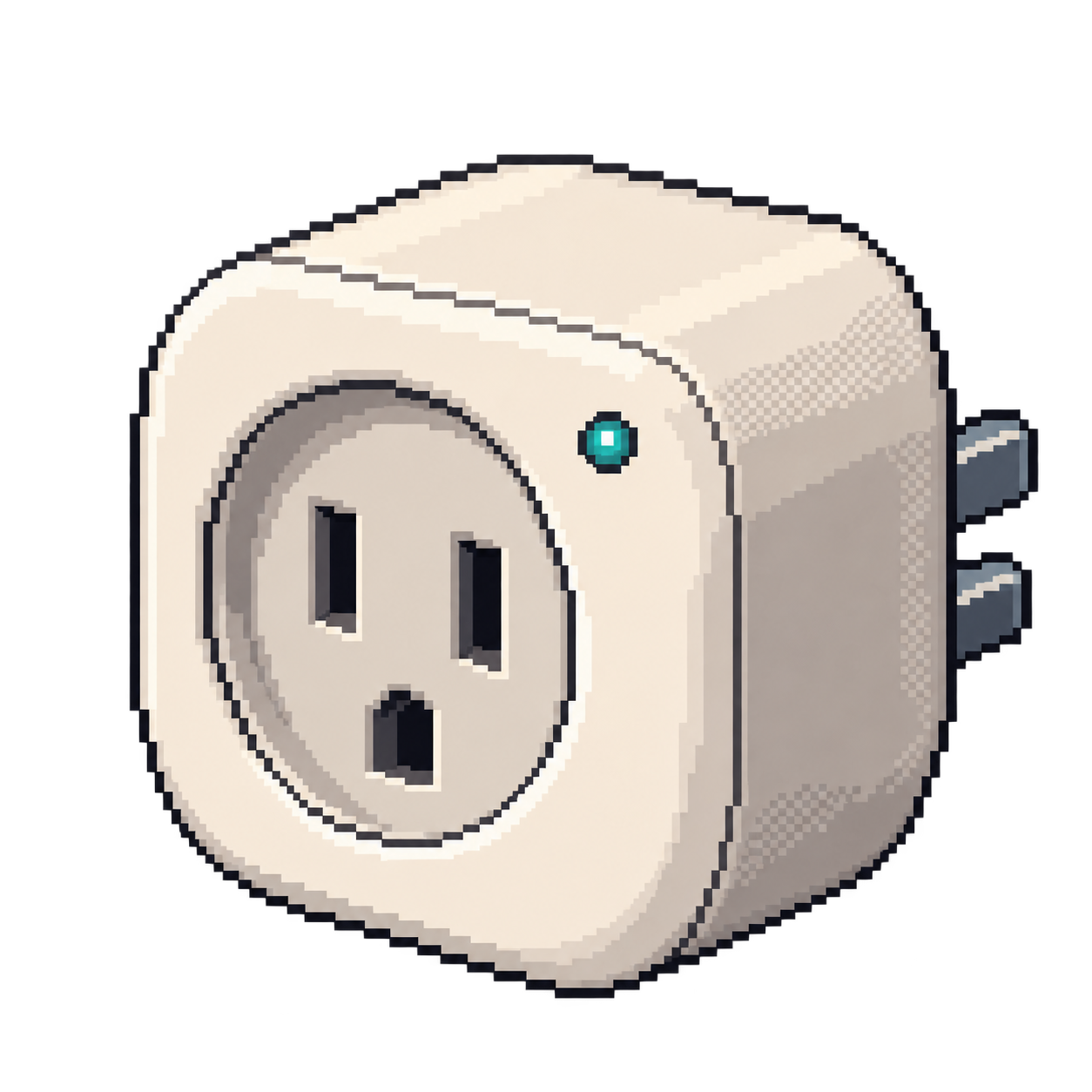
Smart plug

Sonoff S26

Contribute

Projects for this device

Replacement firmware

Switch the plug locally from Home Assistant and use its status and button in automations.

How to get started

Start with the matching ESPHome device configuration, set your Wi-Fi details and install it through ESPHome Device Builder. Initial conversion uses device programming access; later ESPHome updates can use Wi-Fi.

Setup
replacement firmware; initial programming connection, then OTA
You’ll need
Matching device configuration and attached sensor, where applicable.
Open device guidedevices.esphome.io
Build
Build firmware from the device configuration.
Sources
Replacement firmware

Control compatible smart-home devices locally through a web interface and MQTT automations.

How to get started

Install firmware for the device’s controller, then apply its documented template. Many first installations require opening the device and connecting a serial adapter.

Setup
Firmware installation + device template
You’ll need
The controller and template listed in the device record; disconnect mains power before a serial connection.
Get device templatetemplates.blakadder.com
Sources
Technical references

Security

Saved scan

No device-specific advisory matched our saved CVE research.

Check security advisories for this device · CVE.org