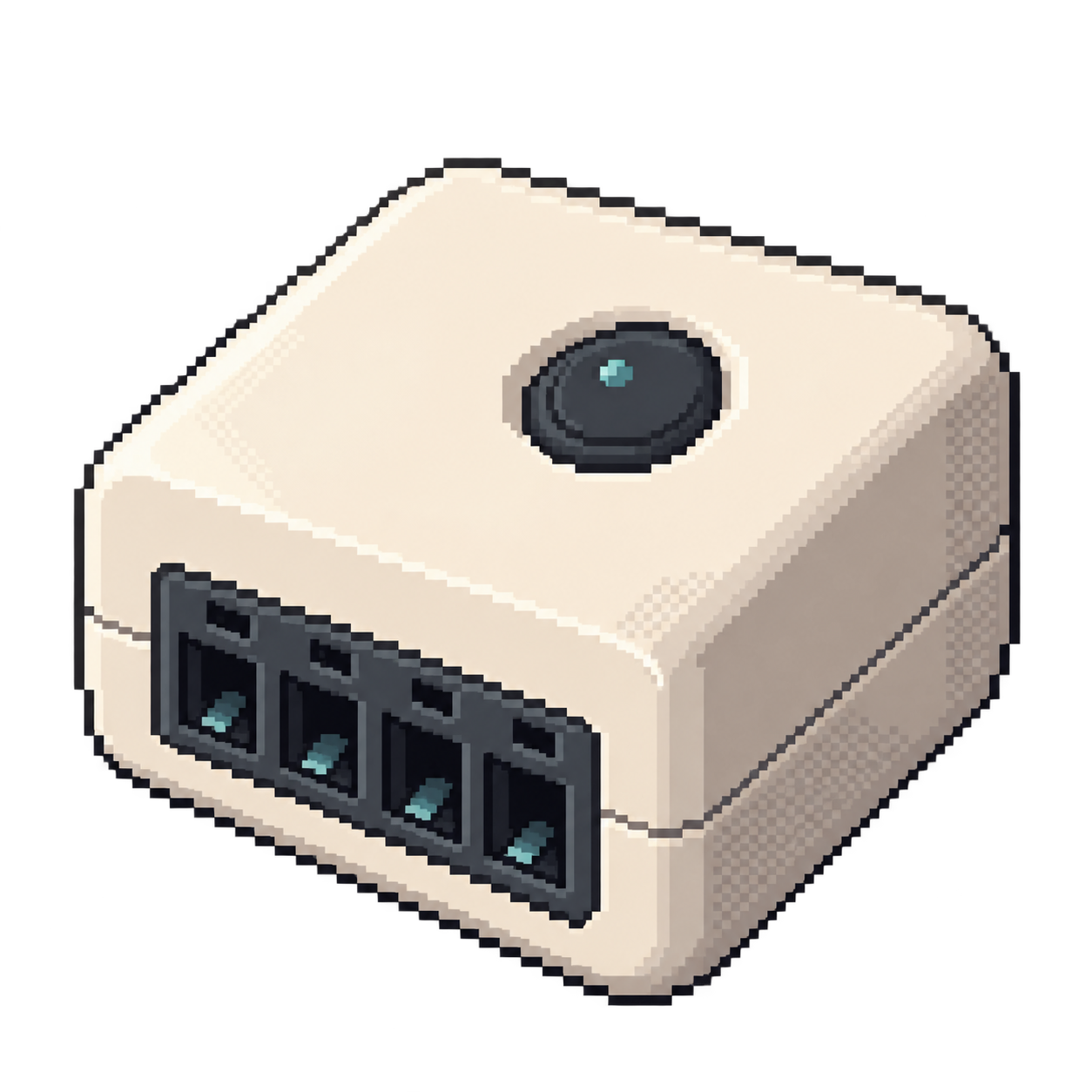
Replacement firmware
Control a light locally and choose how its physical switch input behaves.
How to get started
Use the matching ESPHome configuration, add Wi-Fi details and install it through the device’s programming connection. Future ESPHome updates can use Wi-Fi.
- Setup
- Replacement firmware · programming connection
- You’ll need
- Opening the device and a USB-to-serial adapter; match the hardware in the guide.
Open device guidedevices.esphome.io
- Build
- Build firmware from the device configuration.