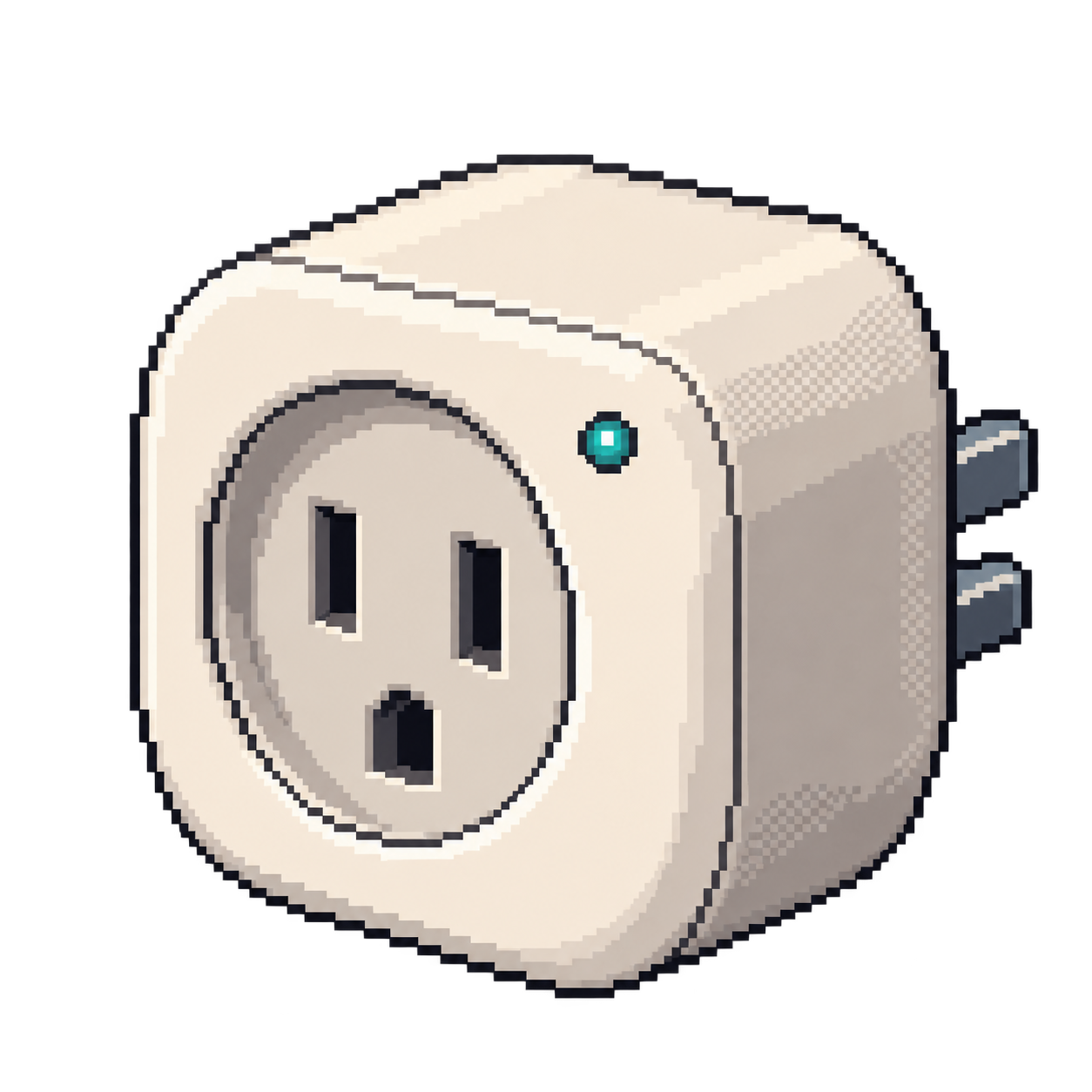
Smart plug

Shelly Plug US

Contribute

Projects for this device

Replacement firmware

Control the outlet locally and customize its behavior.

How to get started

Use the named Plug US configuration after installing ESPHome through a separately verified flashing path.

Setup
ESPHome configuration; initial flashing path unresolved
You’ll need
Plug US hardware and ESPHome installation access.
Open device guidedevices.esphome.io
Replacement firmware

Control compatible smart-home devices locally through a web interface and MQTT automations.

How to get started

Install firmware for the device’s controller, then apply its documented template. Many first installations require opening the device and connecting a serial adapter.

Setup
Firmware installation + device template
You’ll need
The controller and template listed in the device record; disconnect mains power before a serial connection.
Get device templatetemplates.blakadder.com
Sources

Features & details

Check the project and hardware shown for each feature.

Tasmota

Tasmota — Tasmota templates (github.com)

Installation method recorded
mgos
Technical references

Security

Saved scan

No device-specific advisory matched our saved CVE research.

Check security advisories for this device · CVE.org